Visualization of What's new assignments
To view the What's new Assignments, click on the icon in the top right-hand corner of the screen, then select “What's new”.
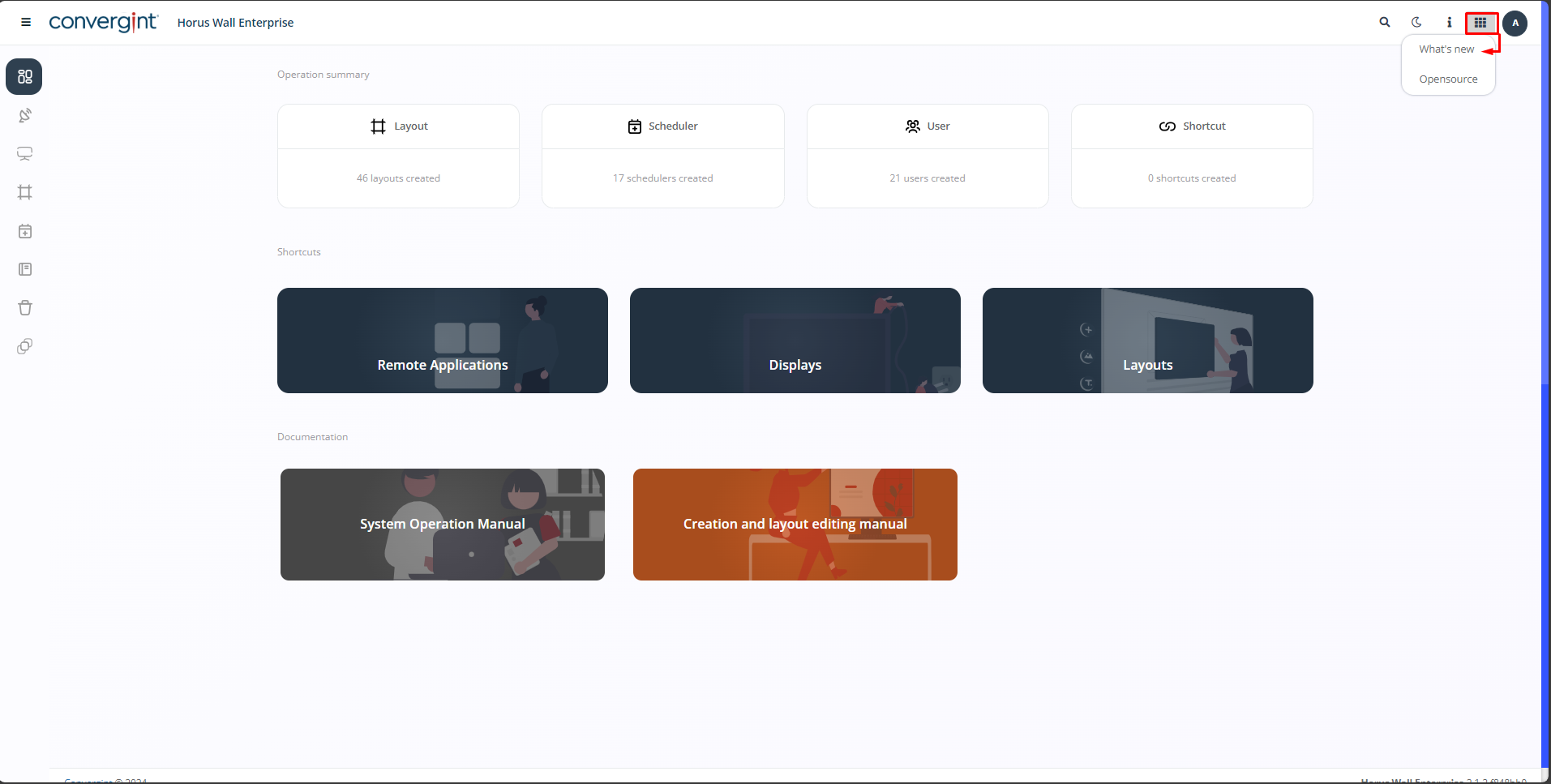
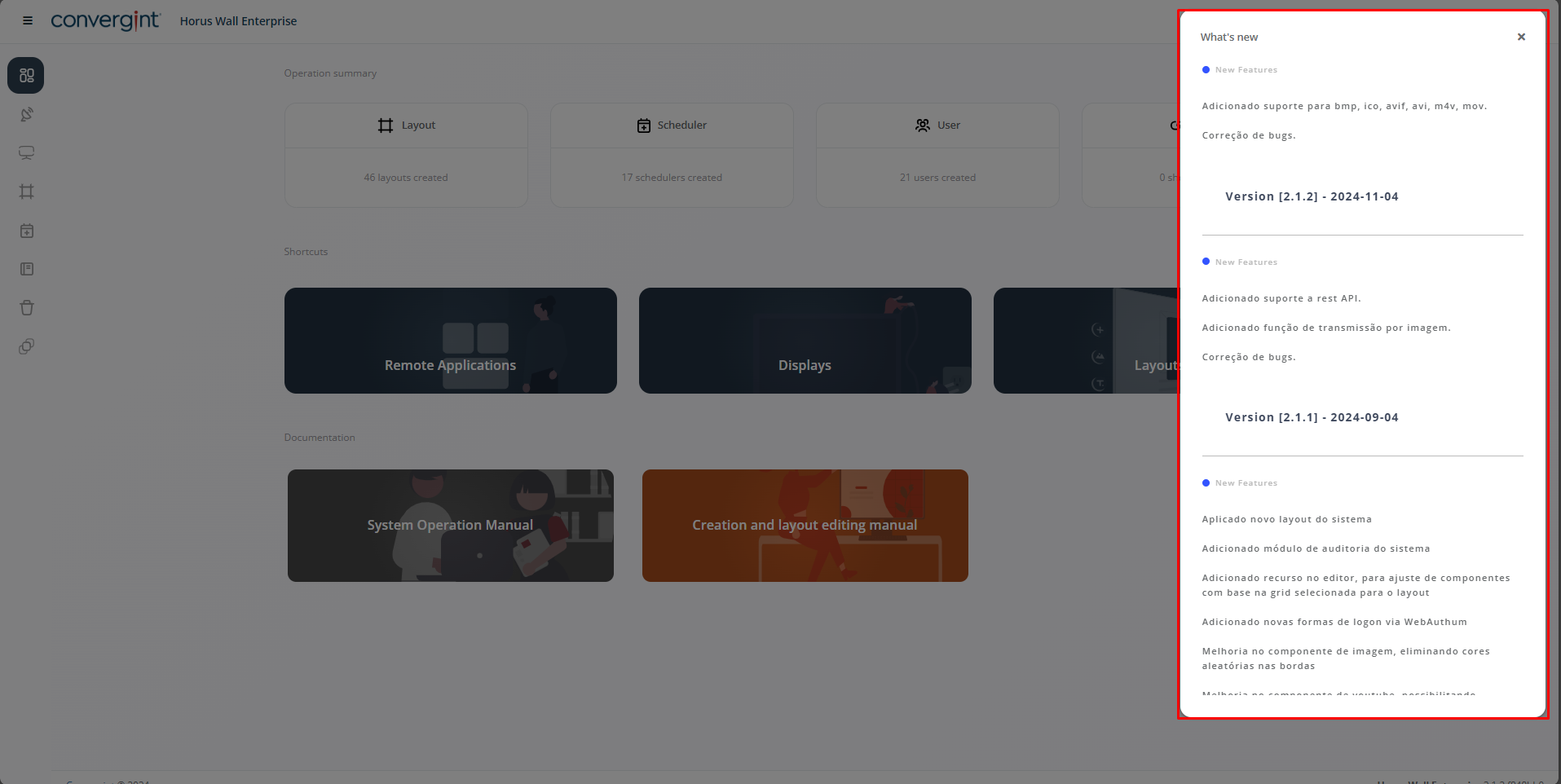
Here you will find all the updates and versions available.
To view the What's new Assignments, click on the icon in the top right-hand corner of the screen, then select “What's new”.
Here you will find all the updates and versions available.